
Valve Just Changed How Reloading Works and the Community Is Freaking Out
March 19, 2026

Counter-Strike 2 just received one of its most controversial updates since launch. Valve has fundamentally changed how reloading works, forcing players to rethink habits developed over decades of Counter-Strike . The March 2026 update also brings significant changes to Inferno and introduces map guides to competitive matches.
The update went live on March 18, 2026, and the community reaction has been immediate and polarized . Here is the complete breakdown of everything that changed.
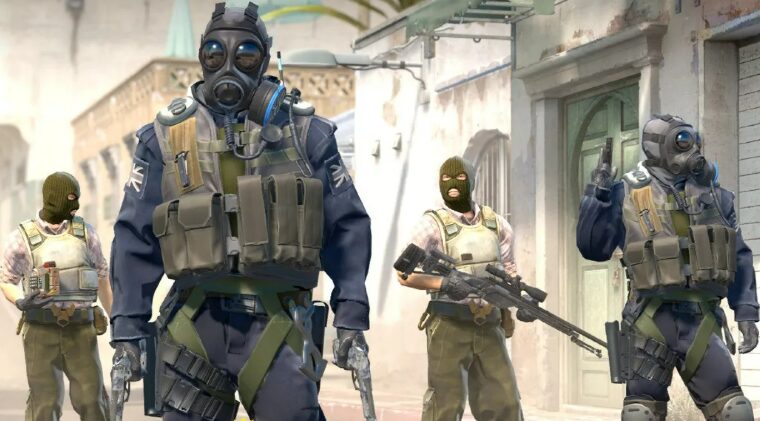
Reloading Has Been Completely Reworked
The headline change is a fundamental overhaul of the reload mechanic. Previously, when players reloaded in CS2, the game dumped leftover ammo from the magazine back into an essentially endless reserve supply. The decision to reload rarely carried significant trade-offs.
Now, when you reload a magazine-fed weapon, you drop the used magazine and discard all of its remaining ammo. Instead of “topping off” your weapon with a few bullets, a new full magazine is taken from your reserves every time you reload .
The HUD now represents reserve ammunition as magazines, shells, or bullets, depending on the weapon. Most weapons get three additional magazines, but some have fewer to reward efficiency and precision, or more to encourage spamming through walls and smokes.
The AWP received the most dramatic change, now carrying just two additional magazines for a total of 15 possible shots per round . This severely limits smoke spamming and wallbanging with the sniper, forcing AWPers to be much more deliberate about their shots.
Here is the breakdown of the March 2026 update changes:
| Category | Change | Details | Community Reaction |
|---|---|---|---|
| Reload Mechanics | Discard entire magazine on reload | All remaining ammo lost, new full mag taken | Highly Controversial |
| AWP Reserve | 2 magazines total (15 shots) | Massively reduced from previous | AWPers Angry |
| M4A1-S / AK-47 | 3 magazines | Standard reserve | Mixed |
| M4A4 | 4 magazines | More spam potential | Positive |
| Inferno A Site | Graveyard closed, Balcony extended, Pit wall raised | Retake balance adjustments | Mixed |
| Map Guides | Available first 5 rounds of competitive halves | Official and community guides | Controversial |
| Custom Games | Friends can join directly | Workshop maps now multiplayer | Positive |
Inferno A Site Rework
Valve has made key changes to Inferno’s A Site to address long-standing balance complaints. Entry to Graveyard has been barred, removing a position that saw minimal CT usage. The wall above Pit has been raised, and Balcony has been extended to replace the previously existing overhang .
The changes aim to make A-site retakes more feasible. Previously, players criticized Inferno as a “saving simulator” where CTs saved rather than attempted retakes due to impossible odds. The developers made clipping adjustments to the small window in Alt Mid.
Community reaction is split. Some players welcome any attempt to fix the map, while others argue it doesn’t address the core issues with B-site retakes or the claustrophobic feel of the CS2 version .
Map Guides Come to Competitive
In a move that has surprised many, Valve added limited map guides to Competitive and Retakes mode. Specifically, for the first five rounds of each half, players can activate guides showing utility lineups directly in-game.
Players can access the guides through the pause menu. Official guides are available for all Active Duty maps, and players can also subscribe to community-created guides through the Steam Workshop.
This feature has drawn criticism from purists who believe learning lineups should be part of the skill gap. On the other hand, others appreciate the accessibility for newer players who don’t have time to study YouTube tutorials.
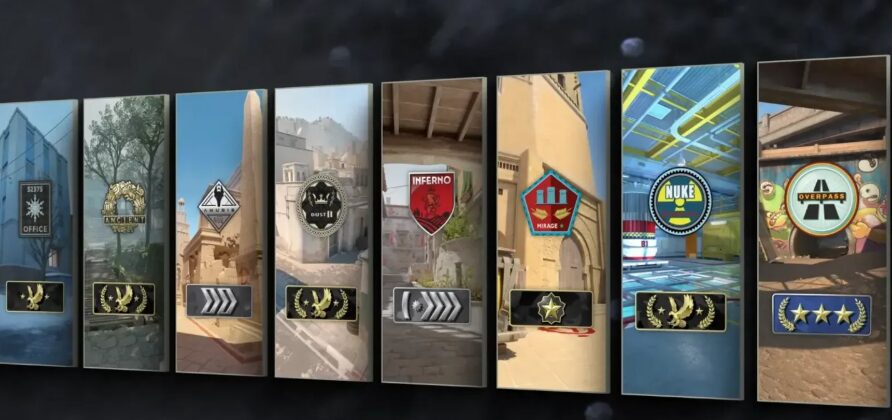
Join Friends in Custom Games
A less controversial but highly welcome addition is the ability to join friends in custom games. Over the past months, the CS community has been building custom game modes using special scripting tools. Now, friends can join directly from their Friends list when playing on community servers or locally hosted games .
To set up a custom game, players visit the Workshop Maps tab in the Play menu and enable ‘Open Party.’ As a result, this creates a locally hosted game that friends can join, and consequently, it opens up endless possibilities for community-created content.